
Download RarMachine – Fast, Secure RAR Archiver for macOS
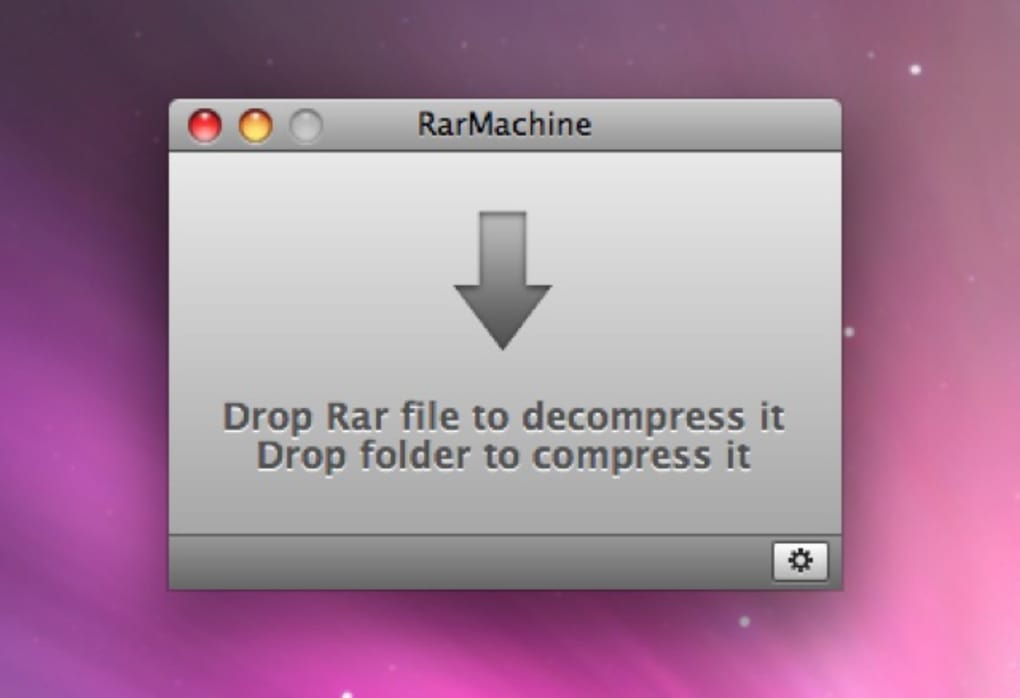
RarMachine is a purpose‑built RAR archiver designed exclusively for macOS users who need a reliable, GUI‑driven alternative to command‑line tools. While WinRAR dominates Windows, macOS historically relied on third‑party utilities that either lacked a native interface or required terminal commands. RarMachine fills that gap by offering a clean Finder integration, drag‑and‑drop compression, password protection, and split‑archive handling—all without any scripting knowledge. Whether you’re a developer packing source bundles, a photographer archiving high‑resolution shoots, or a casual user downloading compressed files from the web, RarMachine streamlines the entire workflow. The app’s lightweight footprint, automatic updates, and affordable upgrade path make it a compelling choice for anyone who regularly works with RAR files on a Mac.
Key Features that Set RarMachine Apart
- Full GUI integration with Finder – right‑click > “More” to compress or extract.
- One‑click password protection for sensitive archives.
- Support for split RAR archives (e.g., .part001.rar, .part002.rar).
- Automatic detection and extraction of multi‑volume archives.
- Native macOS design that respects Dark Mode and Retina displays.
- Secure, checksum‑verified extraction to avoid corrupted files.
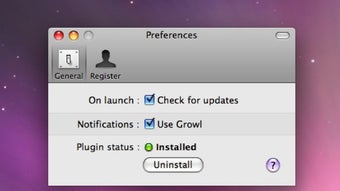
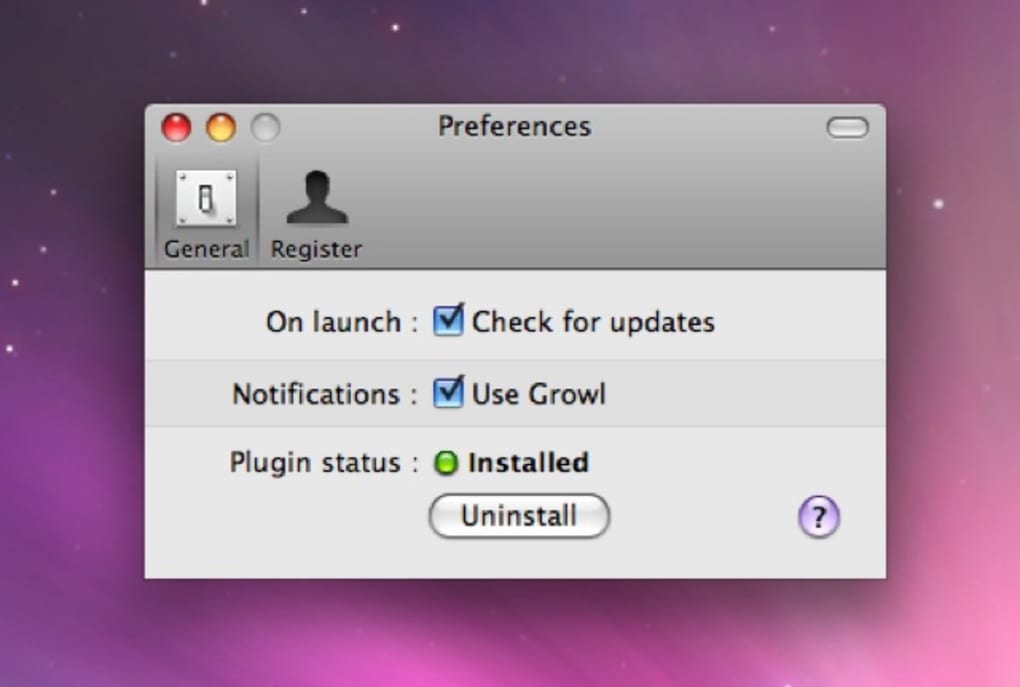
- Automatic update notifications to keep the engine current with the latest RAR format.
- Low‑resource consumption – runs smoothly on older Mac hardware.
- Ability to compress any file type, not just typical documents.
- Option to create self‑extracting archives for users without RarMachine.
Installation, Usage & Compatibility
Installing RarMachine is straightforward. After purchasing or downloading the trial from the official website, double‑click the .dmg file and drag the RarMachine icon into your Applications folder. The installer automatically registers the app with macOS’s Launch Services, enabling the context‑menu entries you’ll see in Finder. No additional libraries or command‑line tools are required.
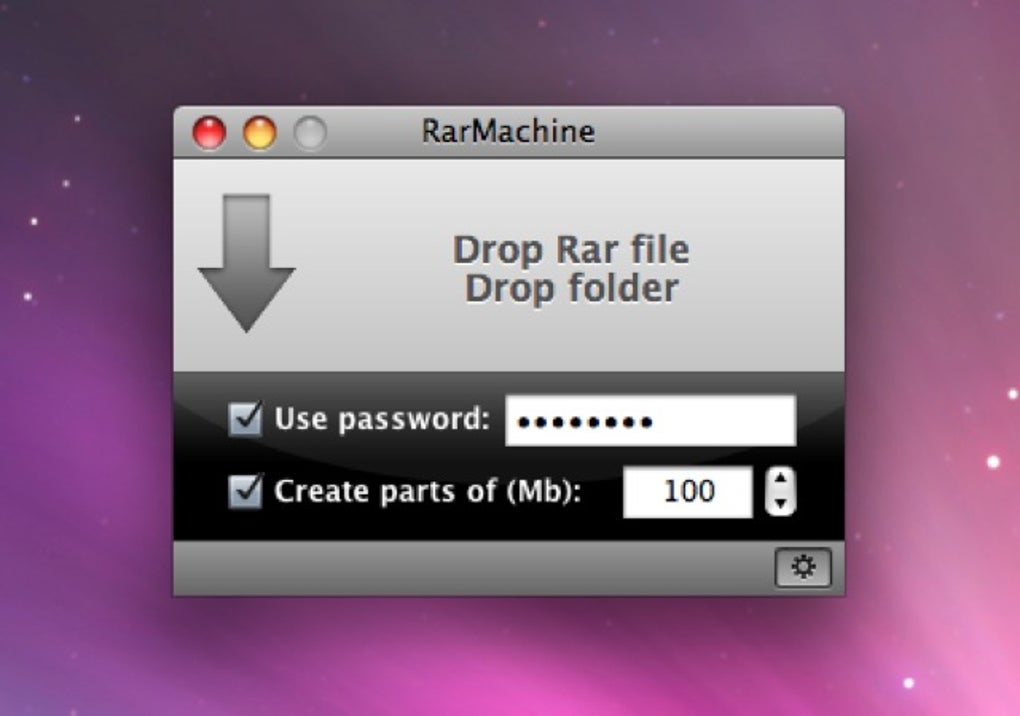
How to compress: Select the files or folders you want to archive, right‑click, choose “More” → “Compress with RarMachine”. In the pop‑up dialog you can set a password, choose a split size (e.g., 500 MB), and optionally add a custom comment. Click “Compress” and the app creates a .rar file in the same location.
How to extract: Double‑click any .rar file or right‑click and select “Extract with RarMachine”. If the archive is password‑protected, a secure prompt appears. RarMachine will automatically re‑assemble split archives before extraction, saving you the hassle of manual concatenation.
Compatibility: RarMachine runs on macOS 10.12 (Sierra) and later, including macOS Ventura, Monterey, and the upcoming releases. It supports both Intel and Apple Silicon (M1/M2) architectures, thanks to a universal binary build that detects the underlying CPU and optimizes performance accordingly.
Pros, Cons & Frequently Asked Questions
Pros
- Intuitive GUI eliminates the need for terminal commands.
- Seamless Finder integration speeds up daily workflows.
- Password protection and split‑archive support enhance security and flexibility.
- Low system overhead – runs smoothly on older Macs.
- Affordable one‑time purchase with free updates for the current major version.
Cons
- Batch compression of large file collections is not supported.
- It is a paid app; there is no completely free version beyond the trial.
- Only macOS is supported – Windows and Linux users must look elsewhere.
- Advanced RAR options (e.g., solid archiving) are limited compared to WinRAR.
Frequently Asked Questions
Can RarMachine handle ZIP or 7z files?
RarMachine is focused on the RAR format only. For ZIP, 7z, or other archive types, we recommend using built‑in macOS tools or complementary apps like The Unarchiver.
Is there a way to create a self‑extracting RAR archive?
Yes. When you open the compression dialog, toggle the “Create self‑extracting archive” option. The resulting file can be opened on any Windows machine without requiring RarMachine.
How does RarMachine ensure the security of password‑protected archives?
Passwords are never stored on disk. The app uses the industry‑standard AES‑256 encryption built into the RAR specification, and the password prompt is handled in a secure system dialog.
Can I upgrade from the trial to the full version without losing my settings?
Absolutely. Your preferences (default split size, password cache, UI theme) are saved in the user library and are retained after purchasing the license key.
Does RarMachine support Apple Silicon natively?
Yes. The installer includes a universal binary that runs natively on both Intel and Apple Silicon chips, delivering optimal performance on M1 and M2 Macs.
Review Summary: RarMachine delivers a polished, purpose‑built experience for macOS users needing RAR compression and extraction. While it lacks batch processing, its ease of use, robust security features, and seamless Finder integration outweigh the minor limitations.
Conclusion – Should You Download RarMachine?
If you’ve ever felt frustrated by the lack of a native RAR GUI on macOS, RarMachine is the solution you’ve been waiting for. The app combines the power of the industry‑standard RAR engine with a clean, drag‑and‑drop interface that respects macOS conventions. Even though it isn’t free, the modest price and lifetime updates make it a cost‑effective investment for professionals and power users alike.
Install the trial today, test the seamless extraction of those stubborn split archives, and experience the convenience of password‑protected compression without ever touching the Terminal. When you’re ready, upgrade to the full version and enjoy unlimited access to all features. Download RarMachine now and take back control of your archived files.







